
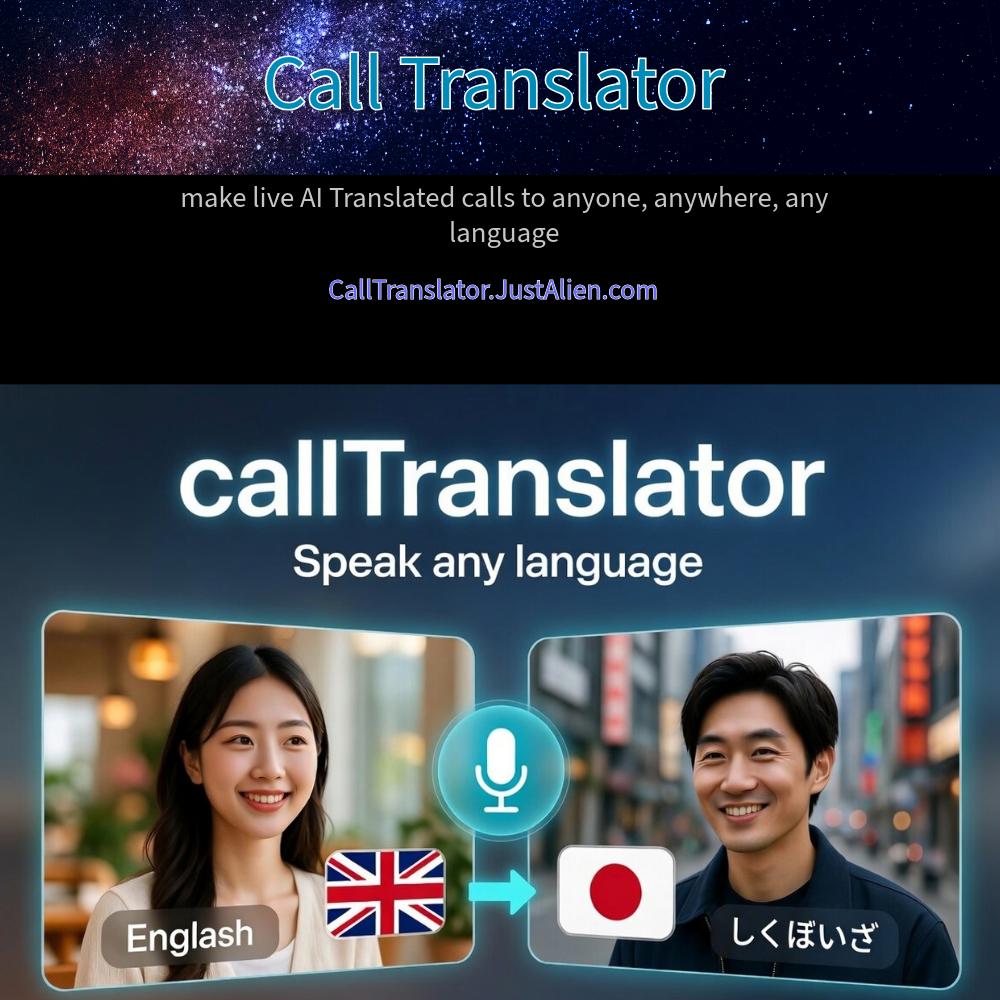
Speak Any Language – Any Time

Who Can You Call?
You can speak to another person speaking other language.
Both of you will use direct private connection.
Can you call Regular Cell/Mobile/Phone Lines?
Currently you can call Phone Numbers Globally as well as you can call to a messenger (Telegram)
Requirements / Restrictions
You need Telegram running on your device before you can place a translated call.
Please note some countries have restrictions on Telegram. Make sure you have a way of calling via Telegram.
The party you are calling can answer in normal phone numbers or in Telegram
Which Languages Are Supported?
Several languages are supported.
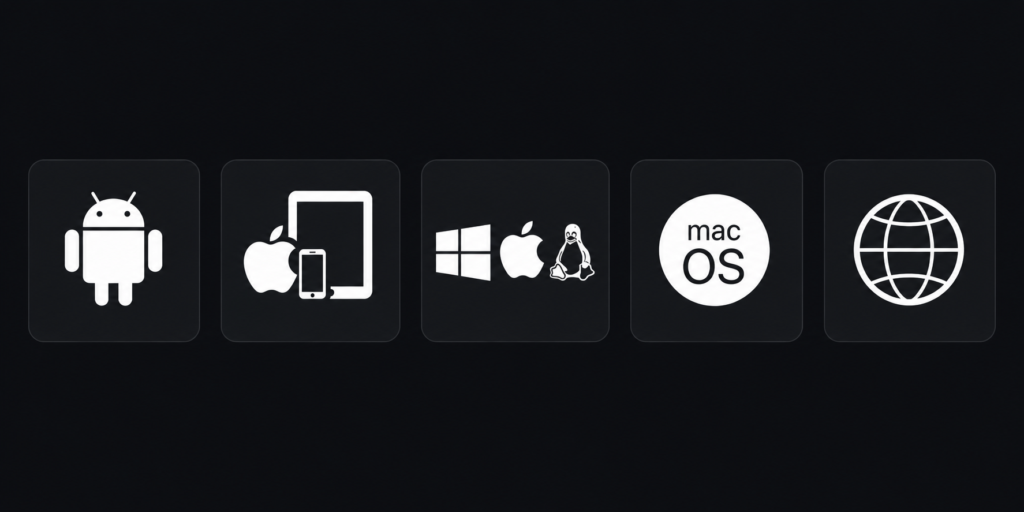
Call From / To Any Device
= Get Started =
Download the Messenger client and register a Telegram account
You need Telegram messenger to place a call. The party receiving the call can answer in Telegram or you can call them on their regular Phone Number.
1. Go to the Messenger download page Telegram Applications and download the Telegram messenger client for your platform (or use the direct download links next)
2. Once you install Telegram , register an account.
3. If you are calling someone else in Telegram, they must also have Telegram installed as well as logged into their account
Messenger download links per your device:
Note: The links will take you to trusted download links at telegram.org. If you prefer visit the download links manually in your browser by going to https://telegram.org/apps
Web Browser type 1 – WebK (Any Platform )
Web Browser type 2 – WebA ( Any Platform )
If you are using Android or Apple iPhone/iPad devices – you can also download the client directly from their App Stores. Just search for Telegram.
Order Translation Minutes on this page
On this page add to your cart and checkout the number of minutes you need for talking. If you are calling them in Telegram, there is no extra charge per minute. If you are calling them on their Phone Number, the system will use our calling provider rates per minute. See below for global calling rates.,
Proceed to make the call – The Call Translator Console
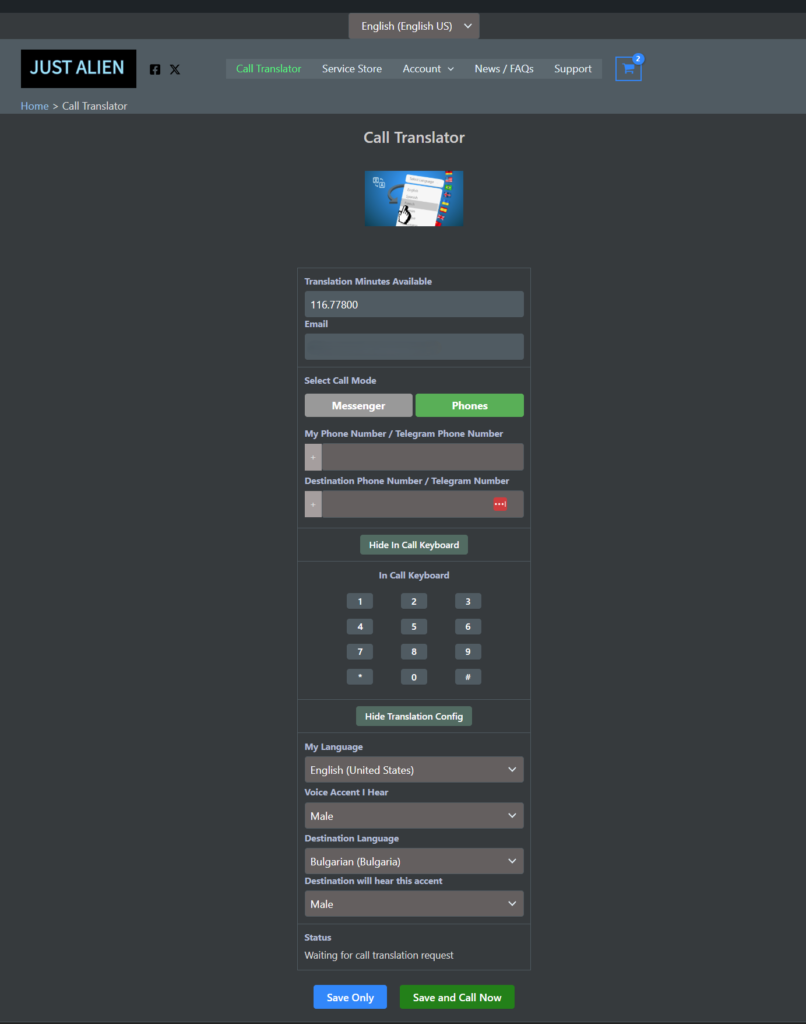
You can start the call at the Call console available here, You must have calling minutes before you can use the console.
Go To:
http://calltranslator.justalien.com/
User Interface in Any Language: The Call Console
The Call Translator Console interface can be shown in many languages. Select the language at the top
Client Support
See our Support page at the top.
The chat is free of charge.
Note, initially support is available only in English, however we are working to upgrade support to several languages.
Terms Of Service
Service disruptions are possible. If you call has been disrupted please try again later or message us via Telegram.
See below terms on refunds.
Third Party Services
We use the following external parties and services. Their own trade names and terms apply.
Telegram is a third party service.
The Translation service uses Azure AI Translation – a secure premier cloud service by Microsoft.